Outdated software rarely fails loudly. It becomes a quiet tax — slowing operations, frustrating teams, and capping how fast you can grow — and most businesses hold onto it far longer than they should, because change feels risky. But the cost of not changing compounds every year.
The hard part is knowing when you’ve genuinely outgrown a system versus when it just needs tuning. This guide lays out the seven clearest signs it’s time to modernize your business software — whether that’s an ERP, a CRM, or a core custom application — plus a quick self-assessment and an honest answer to what waiting actually costs.
1. Your Software Can’t Keep Up With Growth
When a system starts to restrict rather than support growth, it’s time to ask hard questions. If the business has scaled but your core systems still rely on outdated workflows, manual data entry, and rigid processes, you’ve outgrown them. Modern platforms are built to adapt as your customer base, teams, and requirements expand — legacy ones force the business to shrink to fit the software.
2. Limited Integration With Modern Tools
Legacy software tends to operate in silos, making it hard to connect with newer cloud-based tools. The result is double entry, inconsistent data, and missed automation. A modern stack integrates cleanly with your CRM, finance system, analytics, and customer-service tools to form one connected ecosystem. When your ERP won’t talk to your CRM and both need a spreadsheet in the middle, integration debt has become a growth ceiling.
3. Maintenance Costs Are Rising
As technology ages, keeping it alive gets more expensive — custom fixes, dedicated maintenance staff, and aging infrastructure all add up, and the specialists who understand the old stack get scarcer and pricier. The test is simple: if maintaining the system costs more than the value it delivers, it’s time to re-evaluate. Modern platforms trade that rising maintenance burden for continuous updates and predictable, lower total cost of ownership.
4. Lack of Mobility and Flexibility
Today’s workforce expects tools that work from anywhere — office, home, or on the move. Traditional applications often lack cloud capability and mobile responsiveness, and that immobility now directly limits how the business operates. Modern platforms provide secure, device-agnostic access to applications, files, and dashboards. That adaptability isn’t a convenience anymore; it’s a baseline expectation.
5. Performance Issues Are Becoming Common
Slow performance, frequent crashes, and lagging load times look like minor annoyances, but they compound into real productivity loss across every department that touches the system. Persistent performance problems are one of the most visible symptoms that a platform has aged out. A modern, optimized system keeps day-to-day operations smooth and cuts the downtime that quietly erodes output.
6. Security Is a Growing Concern
Outdated software often lacks the security infrastructure to defend against evolving threats, and without regular updates and compliance alignment, exposure widens over time. For any business handling regulated or sensitive data, that’s not a technical footnote — it’s a material risk. Modernizing strengthens your security posture, closes compliance gaps, and reduces the blast radius of an incident.
7. Your Team Is Finding Workarounds
The clearest signal of a failing system is when your own team avoids it. If employees rely on spreadsheets, third-party apps, or manual steps to get their work done, the system is no longer meeting their needs — and you’re paying for software that people route around. A modern application, designed around how people actually work, is one your team reaches for rather than avoids.
Quick Self-Assessment: How Many Apply to You?
Run your core systems against the seven signs. The more that apply, the more urgent the case for modernization.
1–2 true: monitor and plan. • 3–4 true: build a modernization business case now. • 5+ true: the system is actively limiting the business — act.
ERP, CRM, or Custom App — the Signs Look the Same
These signals show up across every category of business software, and the underlying question is always the same: is the system still serving the business, or is the business now serving the system?
- ERP: you’ve outgrown it when new processes can’t be configured without costly custom code, when it won’t integrate with the rest of your stack, and when teams keep critical data in side spreadsheets. Age isn’t the trigger — the trigger is when workarounds and maintenance cost more than modernization would.
- CRM: growing B2B companies hit the wall when every new requirement needs another layer of customization, those customizations make upgrades risky, and no one fully trusts the data anymore. That’s the point to re-platform rather than keep customizing.
- Custom applications: the tell is a shrinking pool of people who understand the codebase, integrations that break with every change, and a backlog that never moves because the architecture resists it.
A crucial caveat: capable software still fails when it’s dropped onto poor data, weak integration, and no change management. Modernization is never only a technology swap — which is why the how matters as much as the when.
What Waiting Actually Costs
The maintenance invoice is the smallest part of the bill. The real cost of outdated technology is hidden: productivity lost to workarounds and downtime, scarce specialists commanding premium rates, security and compliance exposure, and — the biggest one — the revenue and opportunities missed because the business can’t move at the speed it needs to. That cost of inaction compounds every year as the gap between what the legacy system does and what the business needs keeps widening.
Recognize three or more of these signs?
We help businesses turn 'our software is holding us back' into a clear, phased modernization plan — starting with an assessment of what to modernize, replace, or leave alone.
From Signs to a Plan — Without the Disruption
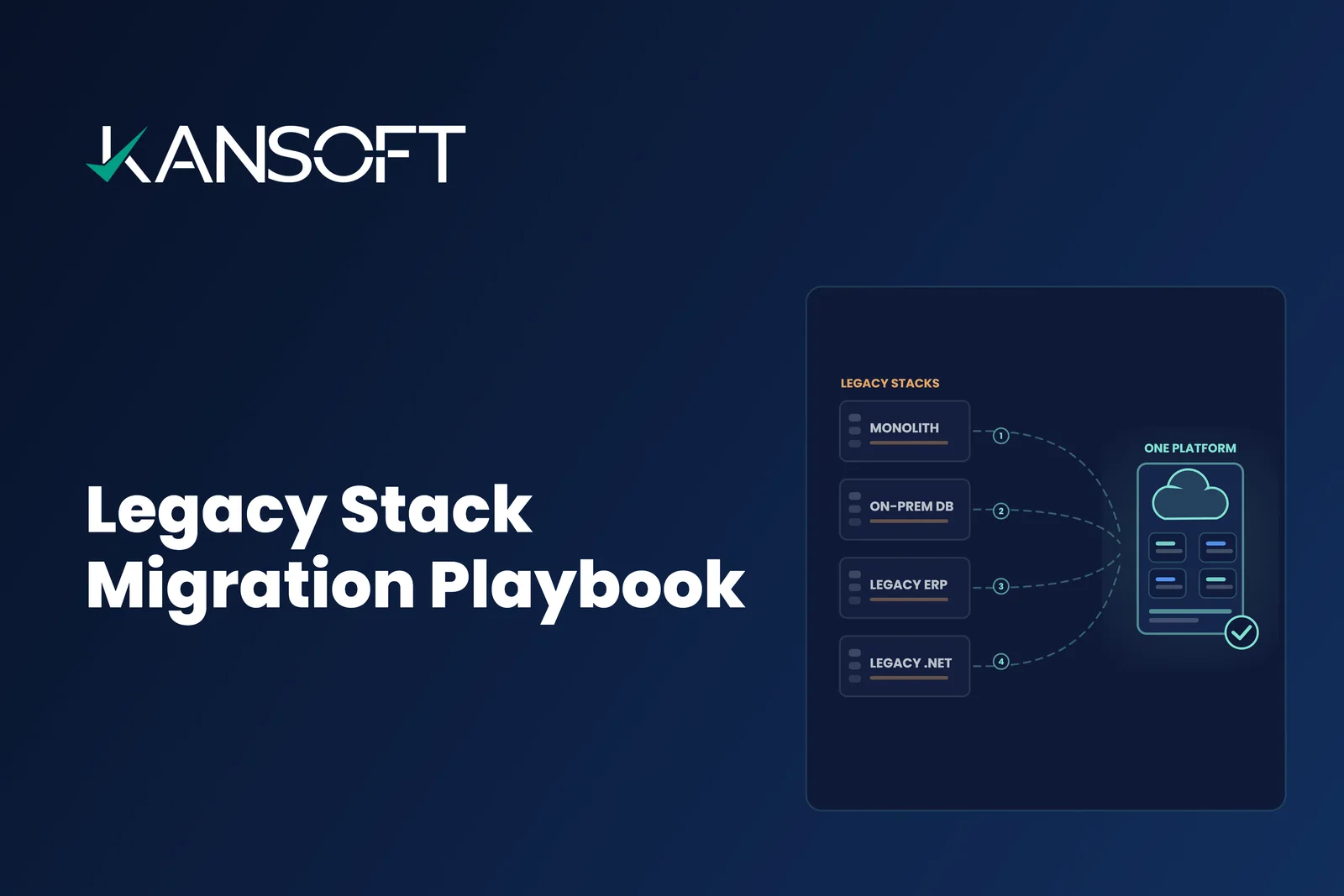
Recognizing the signs is the strategic part; the execution is where modernization succeeds or stalls. The good news is it doesn’t have to mean a risky big-bang rewrite. The right approach starts with a portfolio assessment — deciding what to modernize, what to replace, and what to leave alone — then sequences the work into low-risk increments. That’s the method we lay out in our legacy application modernization strategy guide, and when the challenge is a specific technology stack — .NET, Java, COBOL, or PHP — our legacy stack migration playbook walks through the path forward for each.
At Kansoft, modernization isn’t about abandoning what works — it’s about rethinking how your systems support future growth, from modernizing existing codebases to enabling cloud-native architectures, with the change management that makes adoption stick.
Conclusion
Recognizing the signs of outdated technology is a strategic decision, not just a technical one. Legacy systems may have carried you this far, but modern platforms are what carry you forward. Whether your constraints are performance, integration, security, or adoption, the right modernization strategy unlocks efficiency, resilience, and long-term value. Your software should move as fast as your business does — and if it doesn’t, the seven signs above tell you it’s time to decide what’s next.
Ready to build the modernization case?
Bring us the system that's holding you back. We'll assess it against the signs above, map what to modernize, replace, or retire, and build a phased plan with an ROI you can take to the board.