If you searched for how to “convert ASP to ASP.NET” and landed on advice about moving ASP.NET Framework to .NET Core, it did not fit your problem, because those are two different problems wearing similar names. Classic ASP is a 1990s technology: VBScript executed by an interpreter on IIS, with markup and logic interleaved in .asp files and business rules leaning on registered COM components. Modern ASP.NET Core shares almost none of that lineage. There is no version to bump, no framework to retarget, and no MVC structure to carry across.
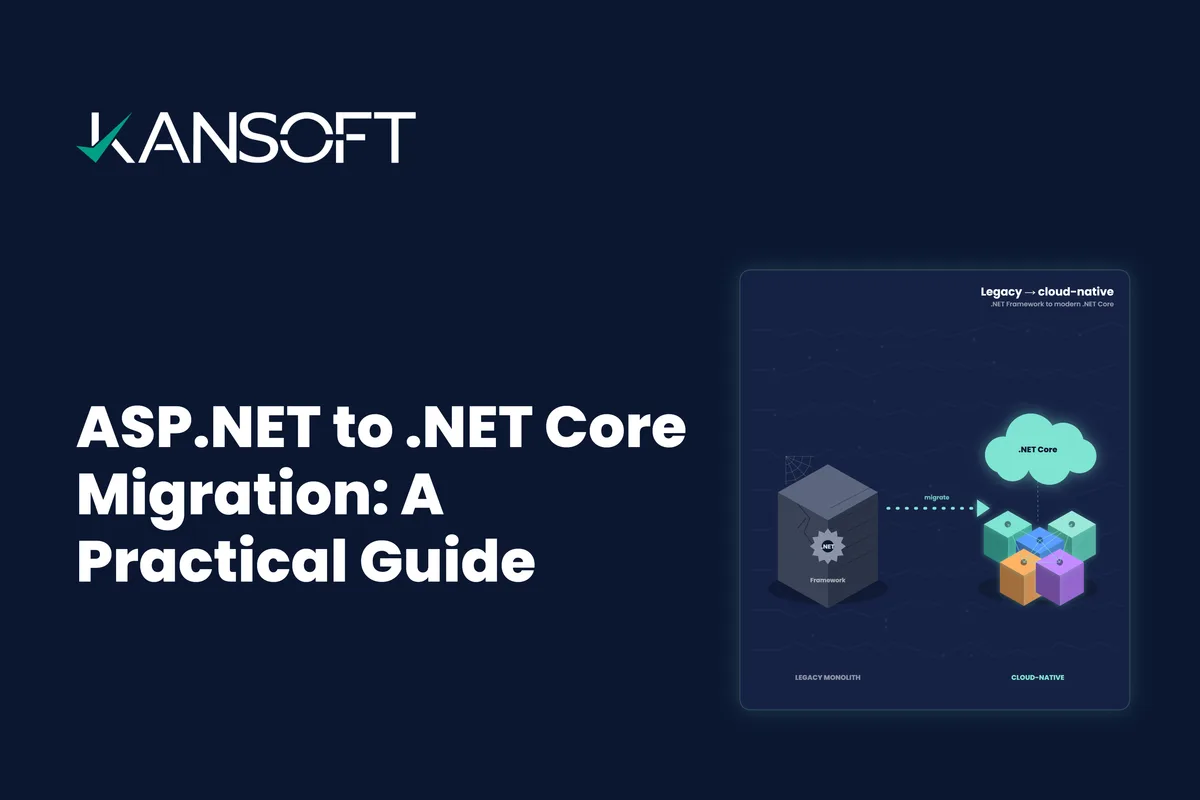
That distinction matters before you scope anything. If your application is actually on ASP.NET Framework, MVC, or Web Forms, you have an incremental, well-trodden path, covered in our ASP.NET to .NET Core migration guide. If it is genuinely Classic ASP, this guide is for you, and the honest headline is that you are planning a rewrite, not an upgrade.
Classic ASP Is a Rewrite, Not an Upgrade
The reason there is no shortcut is that four things do not survive the jump, and each one is real work rather than a syntax swap.
| What has to change | Classic ASP | ASP.NET Core |
|---|---|---|
| Language | VBScript, untyped and interpreted | C#, typed and compiled |
| Dependencies | Registered COM / COM+ components | NuGet packages and native .NET libraries |
| Data access | ADO recordsets, inline SQL, often Access | EF Core or Dapper against modern SQL |
| Structure | Logic and markup mixed per page | Controllers / minimal APIs, Razor, DI |
VBScript to C#. VBScript is loosely typed and forgiving; C# is typed and strict. The translation is not line-for-line, because most Classic ASP pages interleave data access, business rules, and HTML in a single file. Rebuilding them in C# means separating those concerns for the first time, which is the point, but it is also why a “converter” alone never finishes the job.
COM and COM+ dependencies. Classic ASP applications routinely call registered COM components for anything non-trivial, and those components have no direct .NET equivalent. Each one needs a decision: rewrite its logic natively in C#, replace it with a modern library, or keep it temporarily behind COM interop. Native rewrite is the goal, because interop keeps you tied to Windows and the old dependency, but a bridge can be pragmatic for a component you cannot rebuild at once.
The data layer. ADO recordsets and inline, string-concatenated SQL, frequently against a Microsoft Access file or an old SQL Server instance, become EF Core or Dapper against a modern, parameterised database. This step usually pays for itself twice: you remove a class of SQL-injection risk that Classic ASP code is notorious for, and you get a data layer that modern reporting and analytics can actually use.
No MVC, no structure to carry over. There is no architecture in a Classic ASP app to preserve. You are not porting an MVC pattern, you are imposing one. That is more freedom than a Framework migration gives you, and more responsibility: the target design is a decision you make, not one the old code hands you.
Rewrite vs. Replatform vs. Rehost: A Decision Tree
Not every Classic ASP application deserves the same treatment. Start with one question: how much does this application still matter, and how often does it change?
- Business-critical and actively evolving? Rewrite it properly on ASP.NET Core. You will maintain this app for years, so a clean rebuild with a real architecture, tests, and modern authentication pays back quickly. This is the default for core line-of-business systems.
- Stable but must stay live during the move? Replatform incrementally. Rebuild it page group by page group behind a facade that routes some paths to the old app and some to the new one, so you never take a big-bang risk. This is the strangler fig pattern, and it is the safest route for an always-on system.
- Low value, rarely changed, but cannot be retired? Rehost and cap investment. Contain the app as-is on a supported Windows host, put it behind a modern gateway for security, and revisit it later. Spend nothing rewriting logic you are trying to walk away from.
Most real portfolios are a mix. The value of asking the question per application is that it stops you pouring rewrite budget into something that should have been contained, and stops you containing something the business actually depends on.
A Realistic Effort Model
No one can give an accurate timeline for a Classic ASP migration from the outside, because the effort is driven by the shape of the code, not the page count alone. These are the drivers that actually move the number.
| Driver | Lighter effort | Heavier effort |
|---|---|---|
| Page volume | Tens of pages, repetitive patterns | Hundreds of pages, each bespoke |
| COM components | Few, well-understood, replaceable | Many, undocumented, business-critical |
| Data layer | Already on SQL Server, clean schema | Access files, inline SQL, no schema discipline |
| Business logic in VBScript | Thin pages, logic already in the database | Complex rules embedded in the markup |
The single biggest surprise in most assessments is the last row. Classic ASP apps that have been maintained for two decades tend to accumulate business rules inside the pages, undocumented, and untangling and re-testing those rules is where the real time goes. An assessment that counts pages but never opens them will underestimate the work every time. This is also why AI-assisted analysis is worth running early: it maps includes, extracts SQL, and surfaces where the logic actually lives before anyone commits to a number.
Before and After: One Page, Migrated
The contrast is easiest to see in code. Here is a representative Classic ASP fragment: inline connection, string-built SQL, a recordset loop, and markup, all in one file.
<%
Dim conn, rs
Set conn = Server.CreateObject("ADODB.Connection")
conn.Open Application("connStr")
Set rs = conn.Execute("SELECT OrderNo, Total FROM Orders WHERE CustomerID=" & Request.QueryString("id"))
Do While Not rs.EOF
  Response.Write "<tr><td>" & rs("OrderNo") & "</td><td>" & rs("Total") & "</td></tr>"
  rs.MoveNext
Loop
rs.Close
%>
Note the CustomerID=" & Request.QueryString("id") concatenation: that is a live SQL-injection hole, and it is typical, not exceptional. Here is the same capability rebuilt as an ASP.NET Core minimal API with EF Core: typed, parameterised, asynchronous, and free of that whole class of risk.
app.MapGet("/customers/{id:int}/orders", async (int id, AppDbContext db) =>
    await db.Orders
            .Where(o => o.CustomerId == id)
            .Select(o => new { o.OrderNo, o.Total })
            .ToListAsync());
The markup moves out of the data code entirely, into a Razor view or a front-end that consumes the API. What was one tangled file becomes a typed endpoint, a data model, and a view, each testable on its own. Multiply that across the application and you have the shape of the work.
The Migration Path, Step by Step
- Assess and inventory. Catalogue every
.asppage, include, COM component, and data source, and measure how much logic lives in VBScript versus the database. - Rebuild the data layer first. Move Access or legacy SQL Server to a modern, parameterised database, and stand up EF Core or Dapper. A clean data layer underneath makes every page rewrite faster and safer.
- Decide the COM strategy per component. Rewrite, replace, or bridge, and sequence the rewrites so the highest-risk dependencies are handled while the team still has context.
- Rebuild on ASP.NET Core. Port the business logic into typed C# services, add controllers or minimal APIs, Razor views, dependency injection, configuration, and modern authentication.
- Test and cut over gradually. Run the new application alongside the old behind a facade, validate behaviour and data in staging, and shift traffic path by path rather than all at once.
This is deliberately close to the Framework migration process, with one difference that dominates: in a Classic ASP migration, step four is a rebuild, not a refactor, so the assessment in step one carries far more weight.
Where Kansoft Fits
Classic ASP is one of the stacks we modernise most often, alongside VB6, VB.NET, and Web Forms, as part of a broader legacy .NET family practice. We run the assessment, use AI-assisted analysis to accelerate the VBScript-to-C# work, rebuild the data layer for modern reporting, and migrate incrementally so the business keeps running throughout.
Still running Classic ASP?
Bring us the application. We'll assess the pages, COM dependencies, and data layer, and return a rewrite-vs-replatform plan with a realistic effort model, before you commit.
The Bottom Line
Classic ASP will keep running until the day it does not, and the cost of that day rises steadily the whole time: shrinking talent, compounding security debt, and a widening gap from the cloud and AI services the rest of the business wants to use. Treating the move as a rewrite is not pessimism, it is what makes it succeed. Scope it honestly, rebuild the data layer first, decide each application on its merits, and migrate incrementally, and a system that has been “too risky to touch” for years becomes a modern ASP.NET Core application you can actually build on.
Plan your Classic ASP migration
We'll turn a decades-old ASP application into a scoped, sequenced ASP.NET Core migration plan, with the risky dependencies handled first.